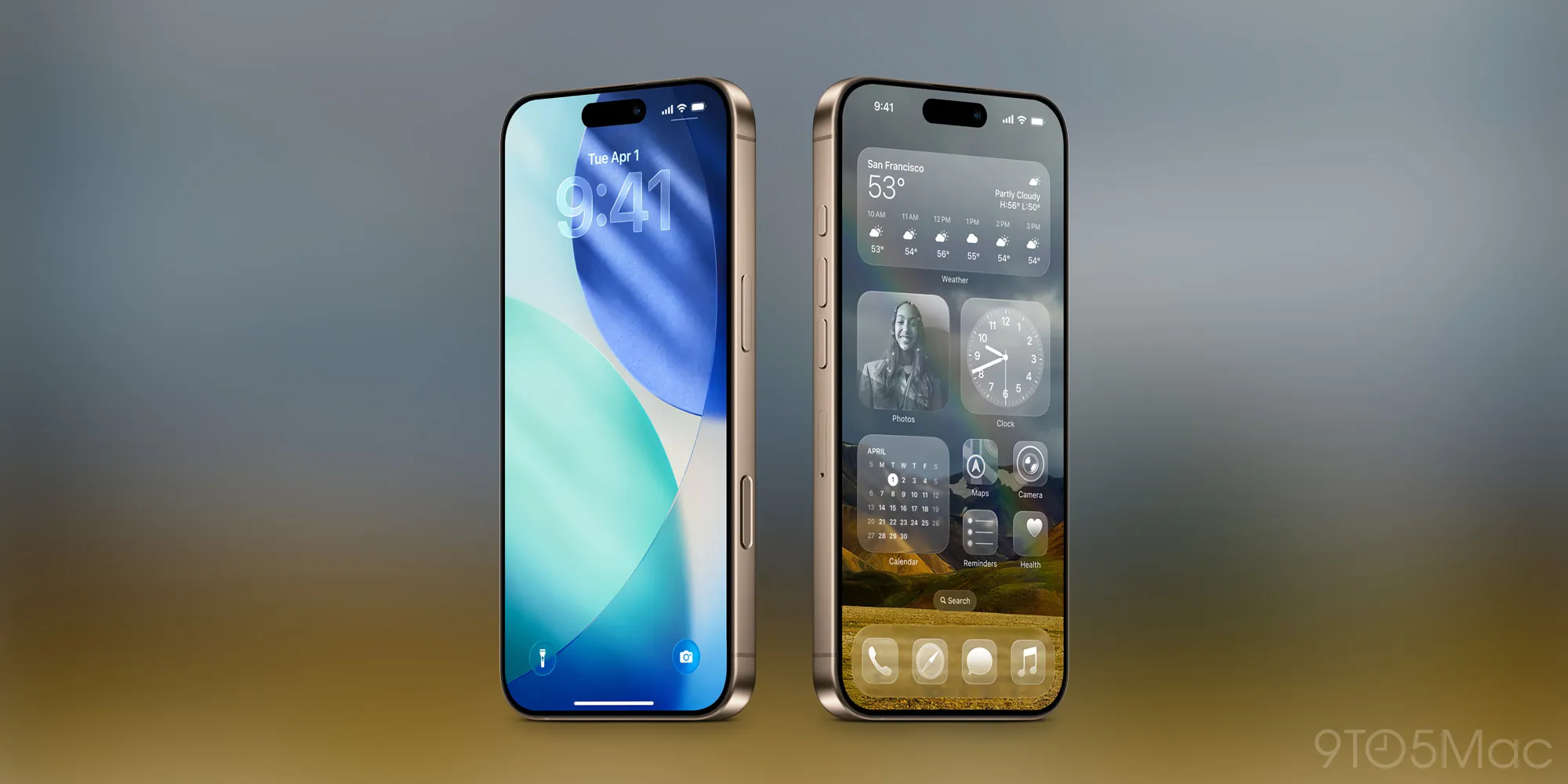
Apple just rolled out iOS 26.4 with a small but thoughtful addition. There's now a 'Reduce Bright Effects' setting that gives you control over the Liquid Glass visual effects that have become standard across the interface.
Liquid Glass is Apple's design language featuring those fluid, reflective animations you see throughout iOS. They look slick, but the constant flashing and bright transitions aren't for everyone. Some users find them distracting, while others experience discomfort from the visual intensity.
The new toggle lives in your accessibility settings and lets you dial back these effects without losing the overall aesthetic. It's similar to how Reduce Motion works, but specifically targets the brightness and flash elements rather than animation speed.
This matters if you're spending hours in AI apps or productivity tools on your iPhone. Less visual noise means better focus, especially when you're context switching between ChatGPT, your notes app, and whatever else is in your workflow. Small ergonomic wins add up over a long workday.
It's also a reminder that as interfaces get more sophisticated and AI-powered experiences become more immersive, having granular control over visual intensity becomes increasingly important. Not everyone wants their phone to feel like a light show.


